ELIZABETH – Google Slide Template: Minimal Design for Maximum Impact
When you need to communicate a message clearly and memorably, the structure of your slides can make all the difference. The ELIZABETH – Google Slide Template offers a fresh approach to presentation design, focusing on minimalism without sacrificing personality. Each slide stands on its own, with a unique layout that avoids the repetitive feel of many standard templates. This makes it especially suitable for digital media campaigns, marketing pitches, or any project where visual storytelling matters.
What Makes the ELIZABETH Template Different
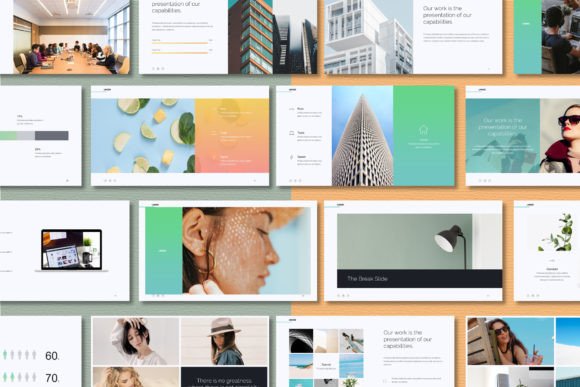
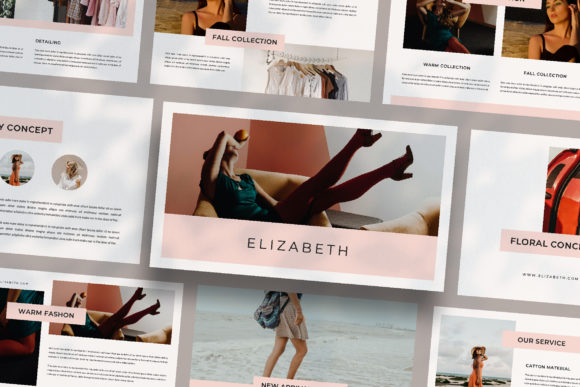
Many presentation templates rely on a single layout repeated across dozens of slides, often leading to a monotonous viewing experience. The ELIZABETH – Google Slide Template breaks away from that pattern by offering a series of distinct slide designs. Each slide has its own character, yet they all work together to form a cohesive narrative. This variety keeps your audience engaged and allows you to emphasize different points with appropriate visual context.
The template is built on a minimal media concept, which means it prioritizes clean lines, generous whitespace, and a focus on content. Whether you are presenting to a client, a business partner, or at an internal meeting, the understated elegance of the design helps your message stand out rather than competing with flashy graphics.
Designed for Versatility
One of the standout qualities of the ELIZABETH – Google Slide Template is its adaptability. The template includes a unique theme colour that supports automatic colour changes, so you can align the palette with your brand or project identity in just a few clicks. This feature is particularly useful for agencies and freelancers who work with multiple clients and need to quickly customize presentations without starting from scratch.
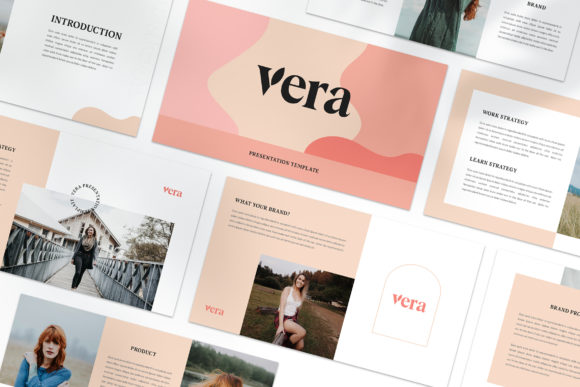
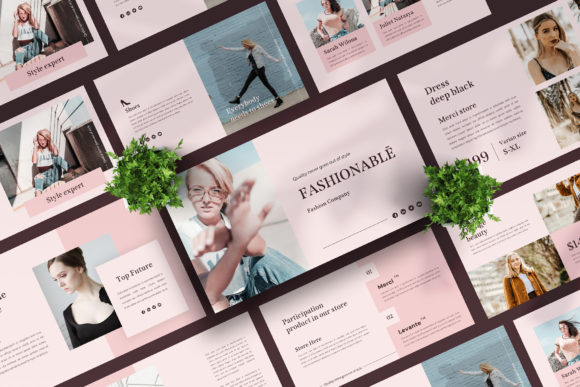
The layout variations are extensive. You will find lookbook and magazine style layouts that work well for portfolios, product showcases, and editorial content. These layouts are not just decorative—they serve a functional purpose by structuring information in a visually appealing way that guides the viewer’s eye naturally through the content.
Key Features That Simplify Your Workflow
Let’s take a closer look at what the ELIZABETH – Google Slide Template brings to the table in terms of practical features. Understanding these elements will help you decide if this template fits your specific needs.
- PPTX File Format: The template comes as a PPTX file, which means it is fully compatible with Google Slides and Microsoft PowerPoint. This flexibility allows you to work in the environment you prefer.
- High Resolution: Each slide is designed at 1920x1080 pixels, Full HD. This ensures sharp, clear visuals whether you are presenting on a large screen, a monitor, or sharing digitally.
- Automatic Colour Change: The theme colour is built into the master slide, so when you update the primary colour, the entire presentation adjusts consistently. This saves time and eliminates the risk of mismatched hues.
- Multiple Layouts: Instead of a handful of slide types, you get many variations. This means you can choose the right layout for each piece of content without forcing your message into a one-size-fits-all structure.
- Lookbook and Magazine Style: These layouts bring a modern, editorial feel to your presentations. They are ideal for creative industries, marketing reports, and visual storytelling.
- Made with Slide Master: The template uses Slide Master functionality, so you can drag and drop your images into placeholders. This makes customization straightforward even if you have limited design experience.
- Free Fonts: The template uses free fonts, and the links are provided in the help instruction PDF. You won’t need to purchase expensive typefaces to achieve the intended look.
- Fully Editable: Every element is customizable. Text, images, colours, and shapes can be adjusted to match your specific requirements.
Practical Considerations for Image Usage
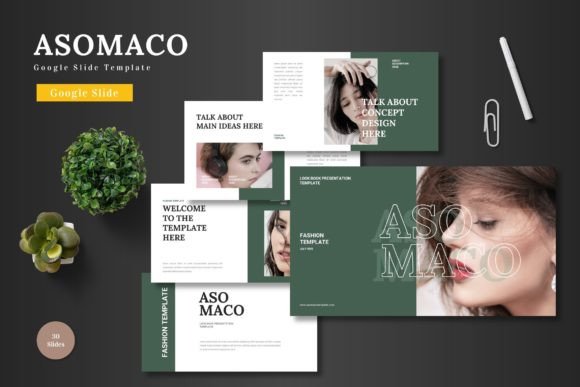
It is important to note that the images shown in the preview are for illustration purposes only. They are not included in the download. This is a standard practice for presentation templates, and it gives you the freedom to choose your own visuals. You can source high-quality images from platforms like Unsplash or Pexels, which offer extensive libraries of free, royalty-free photographs. When selecting images for your ELIZABETH – Google Slide Template, look for photos that complement the minimal aesthetic. Clean, well-composed images with plenty of negative space work particularly well with the template’s lookbook layouts.
How ELIZABETH Supports Modern Presentation Workflows
In today’s fast-paced business environment, efficiency matters. The ELIZABETH – Google Slide Template is designed to fit seamlessly into modern workflows. Whether you are preparing a last-minute pitch or crafting a detailed monthly report, the template’s structure allows you to focus on content rather than design.
For digital media professionals, the magazine-style layouts are a strong asset. They enable you to present case studies, campaign results, or creative concepts in a format that feels familiar and professional. The lookbook layouts are equally useful for showcasing products, services, or portfolio pieces, making the template a good choice for photographers, designers, and marketers alike.
If you work in a corporate environment, the minimal design ensures your presentations remain professional and credible. The automatic colour change feature lets you quickly adapt the template to your company’s brand guidelines, ensuring consistency across all internal and external communications.
Scenarios Where ELIZABETH Shines
Consider a scenario where you need to present a new marketing strategy to a potential client. Using the ELIZABETH – Google Slide Template, you can start with a clean, impactful title slide, move into data-driven slides with clear charts and key points, and then use a lookbook layout to showcase visual examples of previous successful campaigns. The variety of slide designs helps you tell a story that feels dynamic and well-paced.
Another scenario might involve an internal training session. The template’s clean layouts make complex information easier to digest. You can use text-heavy slides for detailed explanations, image-based slides for examples, and magazine spreads for summarizing key takeaways. The audience remains engaged because each slide offers a new visual experience.
Ease of Customization and Editing
One of the most appreciated aspects of the ELIZABETH – Google Slide Template is how easy it is to customize. Because it is built with Slide Master, you can insert your own images simply by dragging and dropping them into the designated placeholders. This eliminates the need for manual resizing or positioning, which can be time-consuming and frustrating.
Editing text is straightforward as well. The template uses text boxes that are already styled, so you can type your content and maintain the intended typography. If you need to adjust the theme colour, you can do so from the Slide Master view, and the change will propagate across all slides instantly. This level of control is especially valuable when you are working under tight deadlines.
Free Fonts and Helpful Instructions
The template comes with a help instruction PDF that includes links to the free fonts used in the design. These fonts are carefully chosen to complement the minimal aesthetic. By using the same fonts, you ensure your presentation looks exactly as intended. If you prefer to use different fonts, you can easily change them, but the free fonts provided offer a good starting point.
The instruction PDF also contains tips on how to get the most out of the template. For beginners, this guidance can be reassuring. For experienced users, it provides a quick reference to key features and shortcuts.
Final Observations on Choosing ELIZABETH
When selecting a presentation template, it helps to think about the audience and the message you want to deliver. The ELIZABETH – Google Slide Template is not about flashy animations or over-the-top graphics. Instead, it focuses on clarity, consistency, and visual appeal through minimalism. This makes it a reliable choice for professionals who value substance over spectacle.
The fact that each slide is unique is a significant advantage. Many templates force you into a repetitive pattern, which can make your presentation feel stale even if the content is strong. With ELIZABETH, you have the freedom to match the layout to the content, giving each point the space and context it deserves.
Another factor to consider is the resolution. At Full HD, your slides will look crisp on most modern displays, including projectors, monitors, and tablets. This is particularly important for hybrid or remote presentations where screen clarity affects viewer engagement.
Who Will Benefit Most
The ELIZABETH – Google Slide Template is a good fit for:
- Marketing professionals who need to present campaign strategies, results, or creative concepts in a visually compelling way.
- Digital media creators who want a template that reflects a modern, editorial style.
- Business owners and freelancers who present to clients or partners and want to project professionalism without excessive effort.
- Anyone who values clean design and prefers a template that can be customized quickly and effectively.
It is equally suitable for personal projects, such as portfolios or event presentations, where you want to make a strong impression without overwhelming your audience with unnecessary elements.
Recommendations for Best Results
To get the most out of the ELIZABETH – Google Slide Template, start by planning your content structure. Since the template offers many layout variations, you can map each section of your presentation to the most appropriate slide design. Use lookbook layouts for visual-heavy sections and simpler layouts for text or data.
When customizing the theme colour, choose a palette that aligns with your brand or the mood you want to convey. The automatic colour change feature makes this process fast, so you can experiment with a few options before settling on the final choice.
For images, take advantage of the drag-and-drop placeholders. This saves time and ensures your images are positioned correctly. If you are sourcing images from Unsplash or Pexels, look for high-resolution photos that match the minimal style of the template. Avoid overly busy images that might compete with your content.
Finally, review the help instruction PDF. It contains useful information about fonts, customization, and troubleshooting. Even if you are experienced with presentation software, the guide can help you work more efficiently with this specific template.
Thoughts on Value and Investment
Templates like ELIZABETH – Google Slide Template represent an investment in your professional image. The time saved by using a well-structured design can be significant, especially if you prepare presentations regularly. Beyond time savings, the visual consistency and thoughtful layout design contribute to clearer communication and a more polished delivery.
While the images in the preview are not included, this is standard practice and allows you to use your own visuals. The free fonts and comprehensive instruction sheet add further value, making the template accessible even to those who are new to presentation design.
In a landscape where first impressions matter, the way you present your ideas can influence how they are received. The ELIZABETH – Google Slide Template gives you a solid foundation to build presentations that are both functional and aesthetically pleasing. Whether you are pitching a new idea, reporting on progress, or sharing a creative portfolio, this template supports your message with clarity and style.